A Construction ERP on Dolibarr: Calculation, Time Tracking, and Stock in One System
Florian Hödl
Network Monitoring and Automation
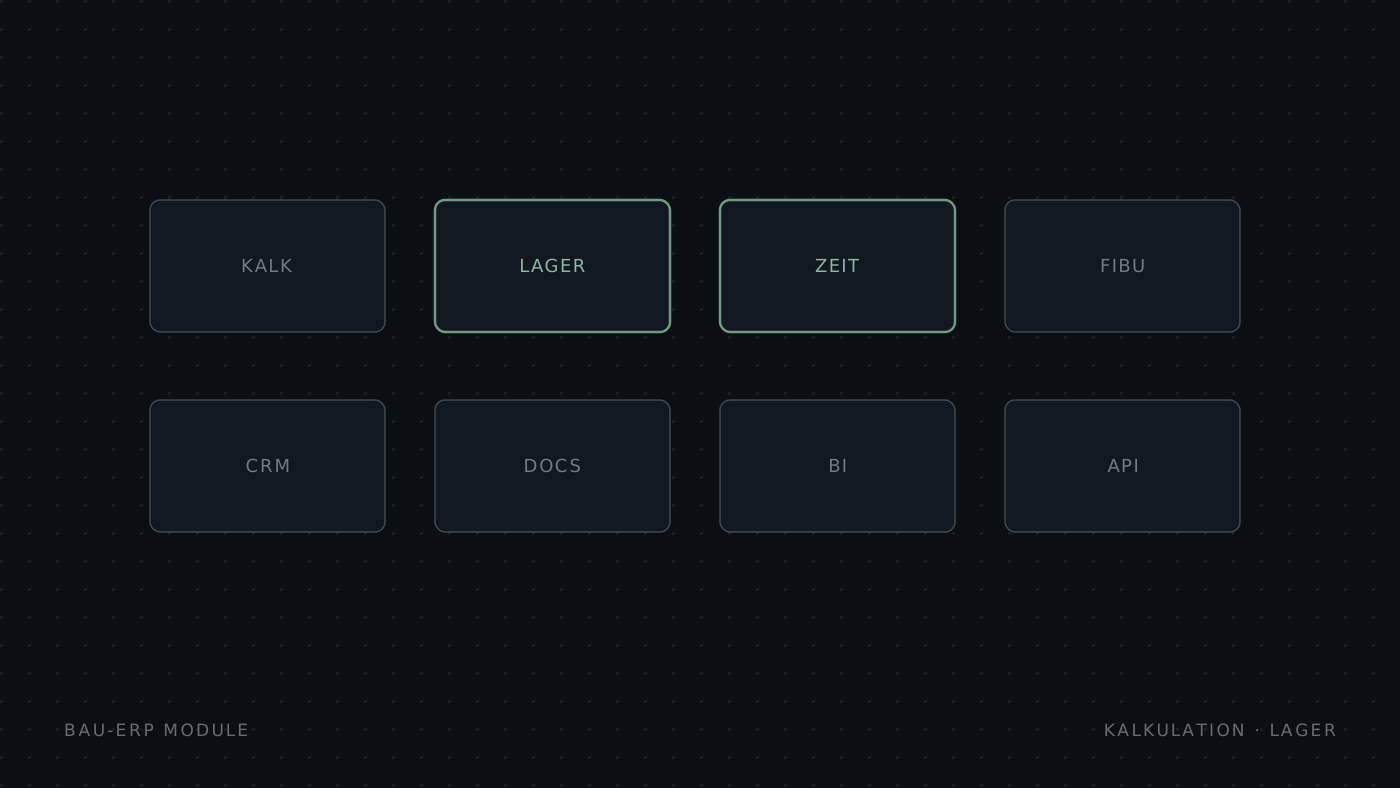
In short: Construction companies in Austria often work with four separate systems for calculation, time tracking, material, and payroll. For an Austrian construction company we built DoliConstruct, a Dolibarr-based industry solution that connects K3 calculation under ÖNORM B 2061, the bill of quantities under ÖNORM A 2063, the project, time tracking, and post-calculation in one data flow. The mobile app MobileUI brings stock movements to the site through a barcode scanner.
The problem: four systems, one site
In many construction firms the data lives in separate tools. The estimator builds the K3 in dedicated calculation software or a spreadsheet. The foreman writes hours on paper, the office re-types them for BMD. Material is ordered by phone, and at the end nobody knows for sure whether the actual project costs match the estimate.
Every media break costs time and creates errors. Hours are entered twice, a position in the offer never reaches the project, and post-calculation arrives too late to change anything on the running site.
One continuous data flow
DoliConstruct connects the phases of a construction project in one database:
K3 calculation → bill of quantities → offer → project → time tracking → post-calculation
The K3 calculation flows into the bill of quantities, the BOQ generates the offer, the offer becomes a project with tasks per BOQ position. Workers book their time against those positions, material consumption is tracked per position, and post-calculation compares planned with actual cost. Data is entered once and available everywhere.
Austrian specifics: ÖNORM and BMD
A generic ERP knows nothing about a bill of quantities or K3 calculation. DoliConstruct calculates under ÖNORM B 2061 and works with bills of quantities under ÖNORM A 2063. Time tracking accounts for Austrian allowances such as hardship, height, and night allowances.
For payroll we built the BMD link in both directions: a bmdimport submodule pulls employees and cost centres from BMD, and the payroll export returns the recorded hours as a checked file. This removes the re-typing between site, office, and payroll.
The site needs more than a desktop
Warehouse work rarely happens at a desk. For that we built MobileUI, a mobile PWA for warehouse and site. Stock staff scan items with the device camera, view stock levels with movement history, and place material requests through a cart with source and destination warehouse directly on a phone.
The interface is built for large touch targets and offline use. Where reception is poor, the app keeps working and syncs later. The stock movement is recorded where it happens, instead of arriving days later as a note in the office.
Upgradeable instead of core patches
An industry solution is only worth something if it survives the next ERP update. Both modules are built through Dolibarr's custom directory and documented extension points, not through core edits. Supported Dolibarr versions, database migrations, dependencies, and regression tests are recorded for each module.
| Task | Before | With DoliConstruct | |
|---|---|---|---|
| K3 calculation | Separate calculation software | In the ERP, flows into the BOQ | |
| Hour tracking | Paper, re-typing for BMD | Booked on BOQ position, BMD export | |
| Material booking | Phone, paper notes | Scanner app on a phone | |
| Plan vs actual | After project end | Continuous, per position |
Conclusion
A construction ERP has to speak the language of the site: bill of quantities, K3, allowances, BMD. DoliConstruct and MobileUI show that this works on an open Dolibarr base, upgradeable and without five licences for five systems.
When a standard process does not fit standard Dolibarr, we build the module that does. Discuss a custom module → or get in touch →.